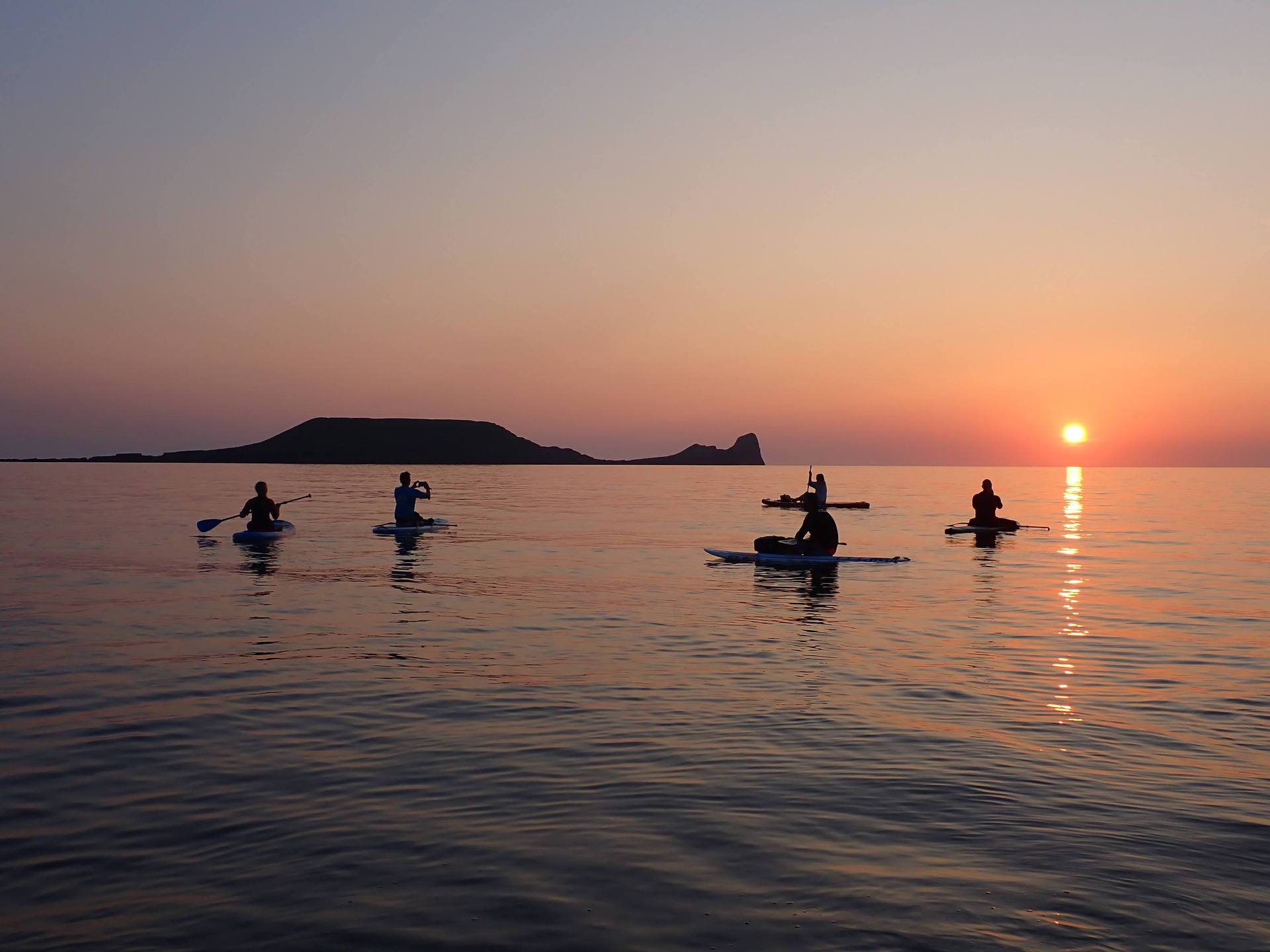
A better paddle starts before you launch.
SUPBuddies is designed to keep the social side of paddling simple while making the planning side more deliberate. Set up your details once, build a circle that makes sense, then use the trip flow to keep everyone informed.
Before you start
Get the essentials in place.
Set up your profile — confirm you're 18+, can self-rescue, and can swim 50m. Add your experience level, preferred paddling water, and a photo so people recognise you. You can also add health information and an emergency contact, shared only so fellow paddlers know what to do if something goes wrong.
Turn on notifications. Trip invites, changes, and updates all come through here.
Your photo, ability level, and preferred water help other paddlers decide whether a trip feels like a good fit. Health information and your emergency contact are there for the moments when it matters.
Find your buddies
Build the right circle.
Search SUPBuddies for paddlers near you, filtered by ability and preferred water. Send a request, and once it's accepted, you're connected.
Already paddle with friends who aren't on the app? Invite them through the WhatsApp connector. When they join using your link, you're automatically buddied up.
Start close to home
Look for paddlers near you, with filters for ability and preferred water.
Send a request
Once your request is accepted, you are connected and can plan together.
Create a trip
Start with what you know.
Start with the basics: a description of the route, and any hazards worth flagging. If you paddle this spot again, this information carries over — you're not starting from scratch each time.
Describe the route in a way another paddler can understand, and flag the hazards you already know about. The details carry forward when you return to the same spot.
Edit a trip
Keep the plan honest.
Come back and update the details whenever you need to — the route, the description, the hazards. Nothing here is locked in until you schedule it.
That gives you room to think the plan through, ask your buddies, and change the details before anyone commits to the day.
Schedule a trip
Make the day specific.
This is where you set the date and time and add the day's conditions — wind, current, wave height. Set the minimum experience level for anyone joining. SUPBuddies will flag if it thinks the conditions call for a higher tier, or if a quick-release leash is worth wearing, but the decision is yours.
Choose your buddies from those who meet that experience level. Trips take up to 8 people, including you — if your buddy list is long, narrow it down to favourites. Publish, and it appears as an upcoming trip for everyone invited.
Keep the plan visible.
Everyone invited can see what the trip involves, who is going, and what to do if the plan changes.
Upcoming trips
Stay in control, together.
If you're organising: this is where you stay in control. Edit details, invite more buddies, or drop someone if conditions change and they're no longer a good fit. Check the hazard information again the day before you go — conditions shift, and it's worth confirming. You can postpone or cancel if you need to; everyone invited is notified either way.
If you're joining: check the trip details and who else is going. Can't make it? Decline, so your spot frees up. Going? Read the Paddle Participation Agreement, tick to confirm, and you're in. Changed your mind later? You can pull out at any time — the organiser is notified automatically.
Before you launch, use "tell a friend" to send someone not on the trip your route, timing, and who you're with. Let them know you're back safe once you're off the water. You can also download a PDF with everything you need — route, hazards, buddy health info, emergency contacts — handy if you're somewhere with no signal.
Recheck the hazards the day before. If the conditions no longer fit the group, postpone or cancel — everyone invited is notified either way.
Completed trips
Close the loop.
Once a trip's start time passes, it moves to completed — a permanent record of who went and what was planned. Worth downloading if you're the organiser.
It's also your chance to give a thumbs up to any buddy who made the trip better. It shows on their profile, so don't skip it if someone earned it.
Ready to find your paddle crew?
Free to join. Built by paddlers, for paddlers.